How to convert SVG to EMF
Open Inkscape
Drag svg file to Inkscape canvas.
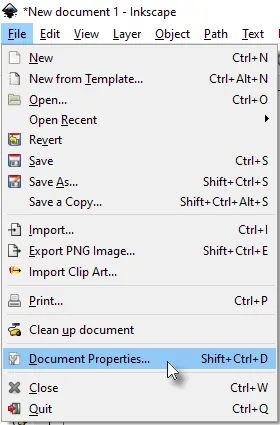
File > Document Properties:
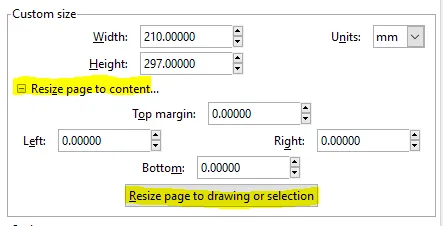
On Page tab, expand the “Resize page to content” section and press this button:
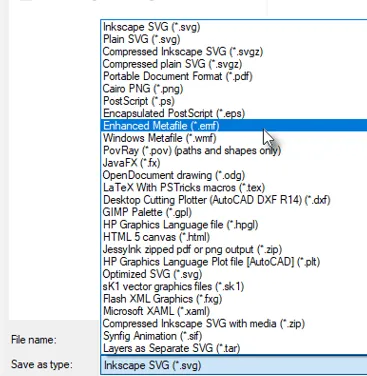
File > Save As (EMF)
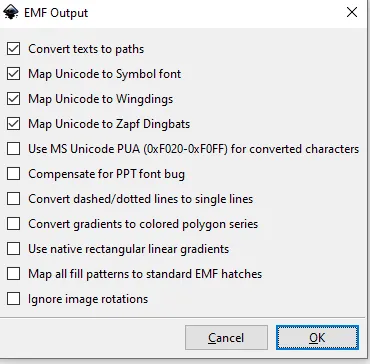
Take the defaults:
Place the image in header or other area. The image size will be constrained by either width or height. Here it is constrained by height.

Revised: 2020-08-31
Copied!