Moving files between local computer and Remote Desktop
There are two ways to move files back and forth between desktops.
-
The easiest way is just copy/paste the file(s) like normal. If they are big files (over 10mb), zip them up first. You cannot “drag and drop” across desktops, however. This is the way we use most. But it kind of locks up your File Manager while it is doing the copy. If that’s a problem, or the files are really big, you should probably use #2:
-
If using the recommended Bitvise SSH Client, you can use its built-in SFTP.
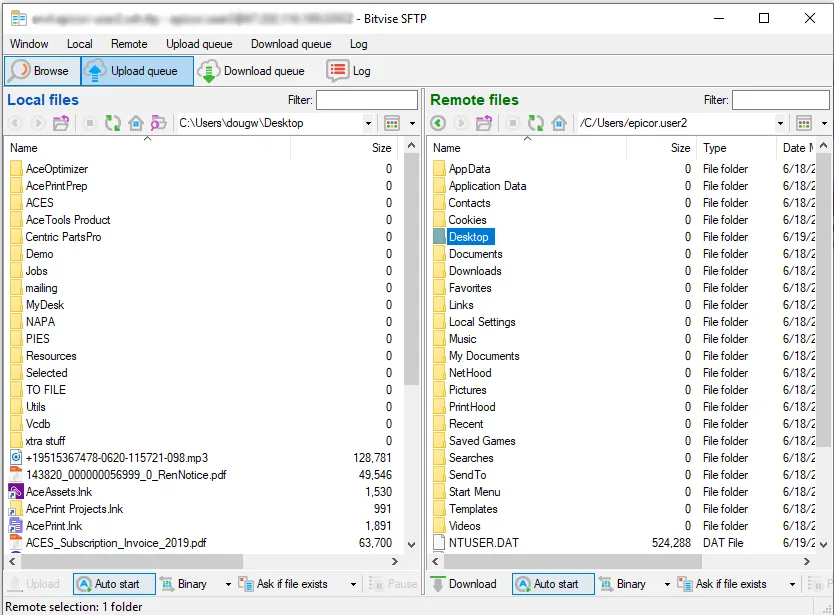
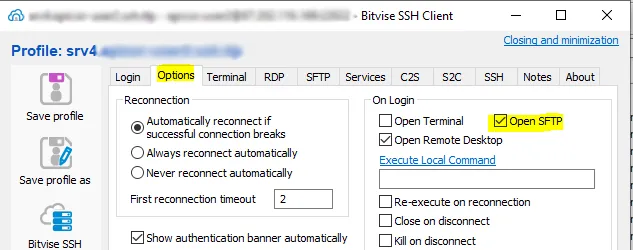
Your machine is on the left, the remote server on the right. We recommend having this automatically start, but you can control that functionality with this option:
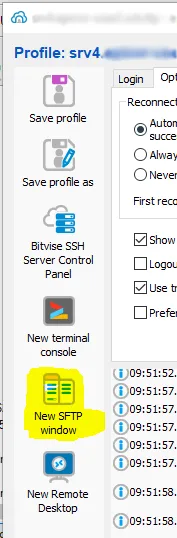
You can always start a new window with this button:
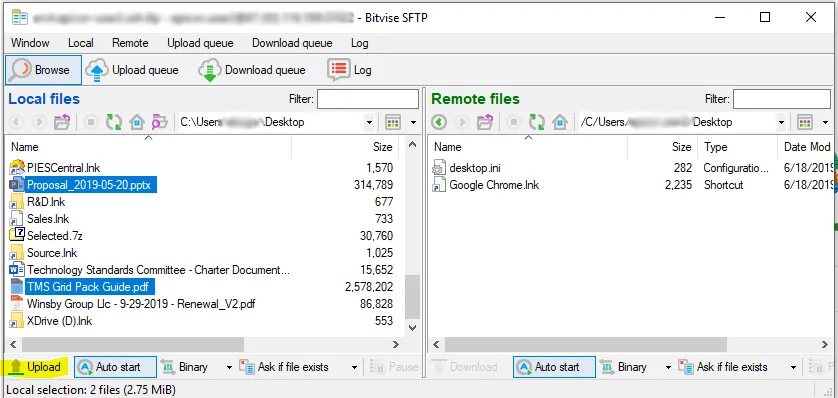
Once you’ve picked the files you want to move, press “Upload” (or “Download”):