Running a SQL Query (Within PIESCentral)
Use the Administration > Run SQL Query… dialog to enter your SQL query.
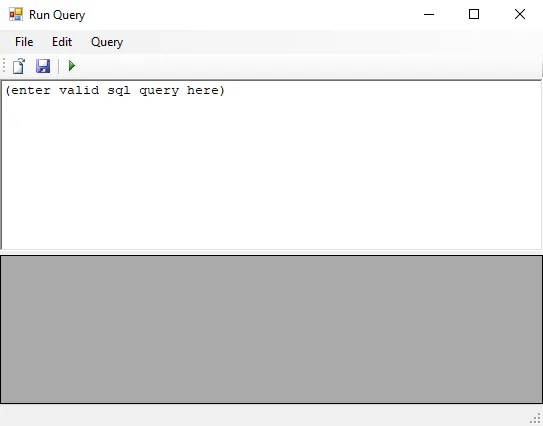
Copy/paste your SQL query into the dialog (or use the File > Open menu to load a saved query) and press the green arrow to execute it.
Results will be displayed in the grid below the query editor.
You can also save the query for later use by clicking the Save button.
Revised: 2011-10-20
Copied!