Can I work on more than one database at a time?
Yes. But I want to make sure you mean SQL Server databases and not just “Documents” within a SQL Server database.
Let’s talk about databases first. The “current” database is shown both in the About box and in the Title bar. For example:
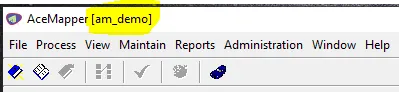
💡Note: We use a convention internally that all AceMapper databases start with “am_”, so you might want to do something similar if you have more than one database to maintain.
You switch the “current” database using the Administration > Change Database… screen. We save the last one selected, so the next time AceMapper starts, it tries to open that one if it can.
You can open as many AceMapper instances as you like, and each one can have a separate “current” database (as shown in the title bar). But only the last one is saved for next time, so you’d need to switch back and forth (and it’s not a particularly fast operation because it browses for all databases).
Documents within a database, however, are very easy. Just open another AceMapper and select the document you want to work on in each “instance”.
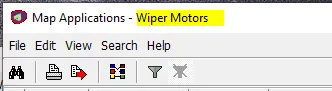
The “Map Applications” screen will show the open Document in the title bar: