Launching PIESExpress
Double-click on the PIESExpress shortcut icon on your desktop to start the program.
Alternatively, you can double-click on any .piesexpress file and it will start the program and load that
project (just as you might with a Word or Excel document).
Missing Source Data File
If you attempt to open a project where a “source” file (see Sources) is not located on your system or network, the program will provide a warning and display the standard File Open dialog so you can locate the missing file.
One way to keep this message from occurring is to work under the “Project folder” as defined in the options screen:
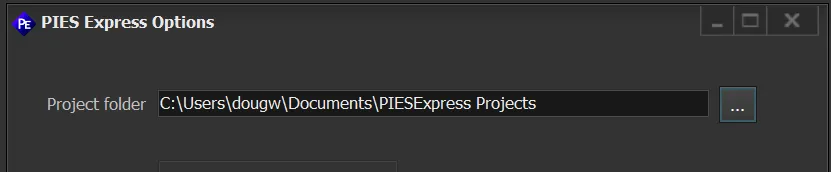
All source files are relative to this folder, and moving a project to another machine is as simple as placing it in their defined “project folder”.
Revised: 2023-05-17
Copied!